Home / Install / Steam Deck & Linux
Current version 0.9.10 · Last verified 2026-10-24
Azimuth on Steam Deck and Linux
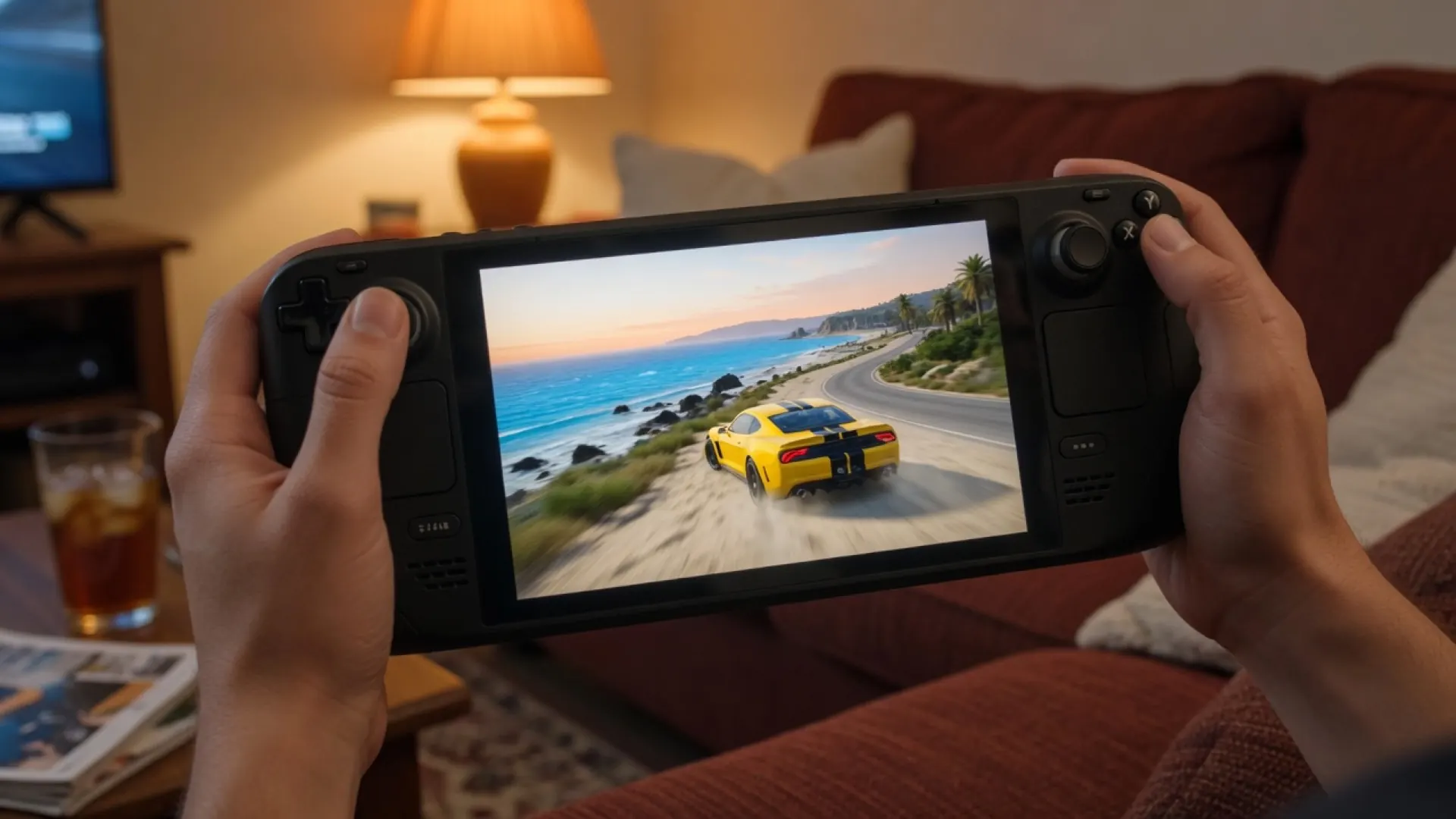
Linux is supported through Proton. The itch page gives Steam Deck a reference of 720p at 60 fps or 1080p at 30 fps. There is no native Linux build.
Start with the stock wrapper and your own Xbox One 1.0.0.64 content. Proton provides the Linux compatibility path; FH2MP and Extra Options are optional community modifications, not prerequisites for the official offline wrapper. The setup route below is documented guidance, not a Steam Deck test performed by this site.
Install through Steam: third-party setup route
- In Desktop Mode, extract the wrapper from the official download. Prepare the Xbox One 1.0.0.64 folder separately.
- Add azimuth.exe as a non-Steam game in Steam.
- Open its Steam properties and enable a Proton compatibility tool. The cited tutorial uses Proton Experimental; the Azimuth official page does not mandate that build.
- Launch, then select the folder containing era.vbi, Mount/, and EmbeddedXvd/. Register expansion folders on the Game page if needed.
- Choose a starting resolution/frame-rate target. The official Deck references are 720p60 or 1080p30. Exit by holding View/Back or Esc for two seconds.
Source for the Steam UI route: Steam Machine Life tutorial. Its older claims about Storm Island and quitting are superseded by the official 0.9.9/0.9.10 notes; it is not an Almost There Games manual.
What 0.9.10 changed on Linux
- A PipeWire large-buffer case that caused silence or a crash was fixed. 0.9.10.
- Adding Storm Island no longer causes the long Linux load described in that update. Deck load time improved by about four seconds.
- The 0.10.0 progress note reports 15-20% less GPU work per frame in developer tests. That is an unreleased target, not a measured FPS gain in 0.9.10.
Proton notes from other projects
The FH2MP README says its launcher picks the newest Proton it finds in the usual Steam folders; the author reports testing Proton-CachyOS 11. For FH2MP launched through Steam it documents WINEDLLOVERRIDES="winmm,d3dcompiler_47=n,b" %command%. The Extra Options README instead gives WINEDLLOVERRIDES="winmm.dll=n,b" %command%. These load community DLLs; neither is documented as a stock-wrapper requirement.

The exact Proton version that works can differ by Deck OS channel. We could not verify one Proton build as the only working choice.
Video
Third-party videos. Playback starts only after a click, so the first screen does not request YouTube.
Questions
Is there a native Linux binary?
No. The itch page says Linux support is through Proton, including Steam Deck.
Do I need WINEDLLOVERRIDES for the stock wrapper?
That variable is documented by FH2MP and Extra Options for their Linux launches. It is not listed on the Azimuth itch page as a base-game requirement.