Current version 0.9.10 · Last verified 2026-10-24
How to install Azimuth
Install Azimuth for the Xbox One version of Forza Horizon 2, build 1.0.0.64. The wrapper does not include the game. These steps follow the itch page and the 0.9.9 / 0.9.10 devlogs, checked 2026-10-24.
Select the game-content folder, not the wrapper folder or the downloaded archive. Its top level must contain era.vbi, Mount/, and EmbeddedXvd/. These are source-based installation instructions, not a record of a hands-on test. Back up existing saves before an upgrade; the migration order is covered in the save guide.
Steps
- Read the requirements. Intel integrated graphics are not supported.
- Get azimuth-windows.zip through the official download guide. Extract it and run azimuth.exe. If upgrading, follow the save-migration order before the first launch.
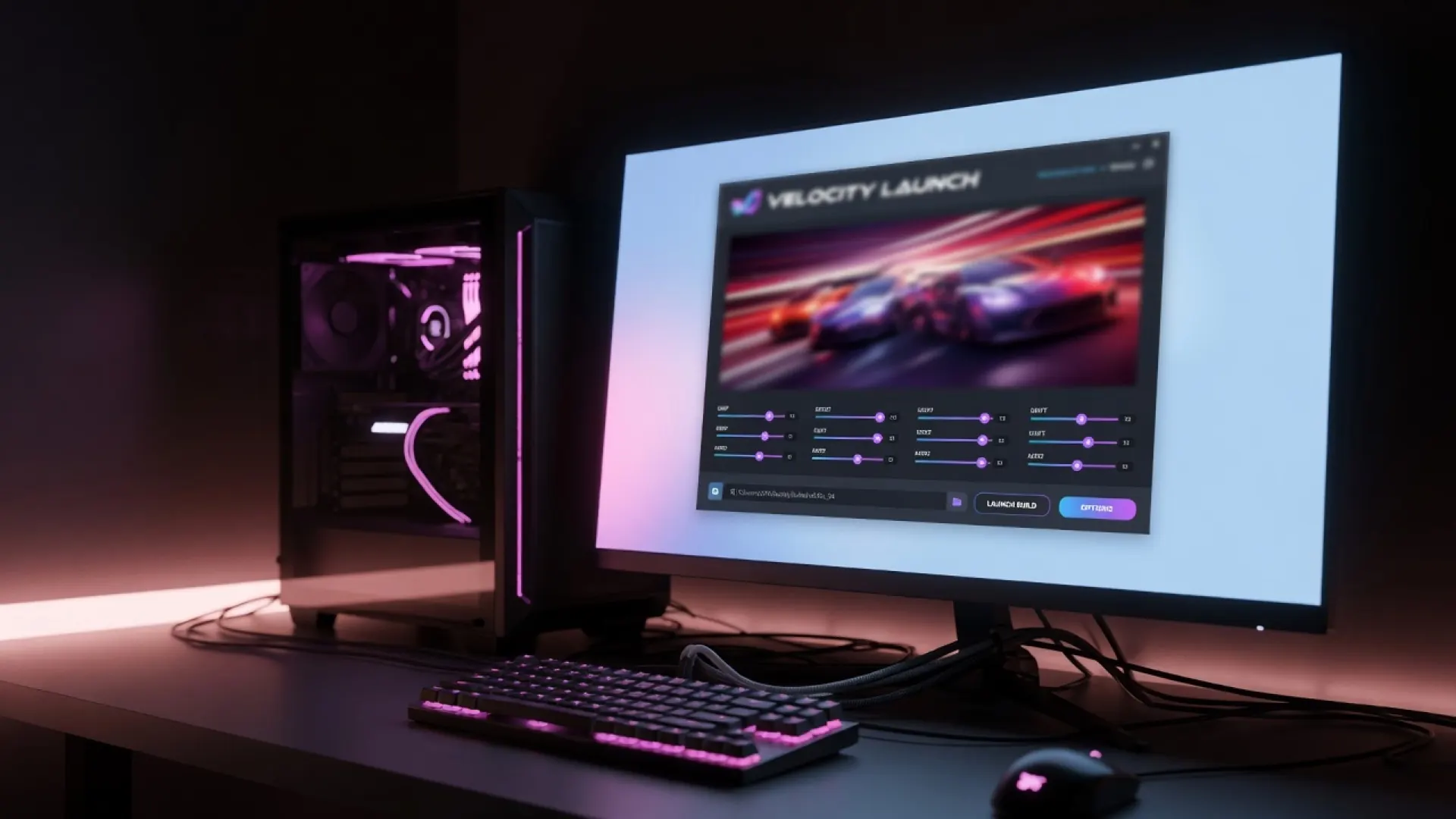
- In the launcher, select the Xbox One 1.0.0.64 folder containing era.vbi, Mount/, and EmbeddedXvd/. See required game files if the layout differs.
- If you own Storm Island or Fast & Furious, register their folders separately on the Game page. See DLC setup.
- Choose resolution, frame rate and quality in the launcher. Start with documented settings rather than a community mod.
- Start the game. Pipeline preparation can make the first updated launch longer; caches also warm as you play. Why updates hitch. If loading never ends, use the loading guide.
- Leave the game by holding View, Back, or Esc for two seconds. 0.9.9 notes.
After it is running
Configure graphics, controls and audio after the first clean launch. Linux and Steam Deck use Proton. Check save backup and migration before copying an old profile.

Use the stock wrapper for diagnosis; a modified installation is outside developer support. Check the download safety guide if security software blocks a file; do not disable protection.
Questions
What do I run after downloading?
Extract the official zip and run azimuth.exe, then select your game-content folder. The wrapper does not include Forza Horizon 2.
The first drive stutters. Is the install broken?
Not necessarily. After an update, the developer describes about 15 to 60 minutes of cache warm-up as you play. Persistent city stutter is also a known issue in 0.9.10; use the performance guide rather than assuming every hitch is installation damage.